
Using the e-Reader with Pixel Pup
You can unlock seven additional puzzles with the GBA e-Reader. Here is how.
What You Need
- Two Game Boy Advances
- A link cable
- A US E-Reader or a JPN E-Reader+
- At least one e-Reader card (see below)
Setup the e-Reader
Attach your e-Reader into the second GBA, then attach them together with the link cable, like this:
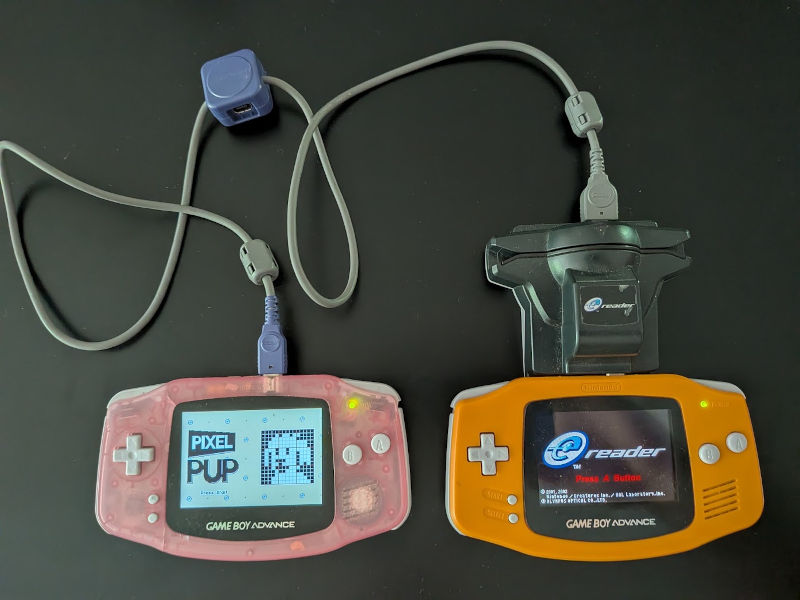
Send across the loader
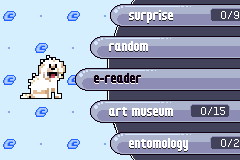
Go to the "e-reader" section in the puzzle menu, then choose the "scan" button.
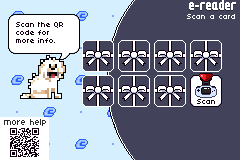
On the e-Reader, go to "Communication", then "To Game Boy Advance", then press A.
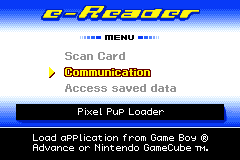
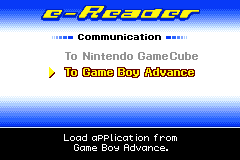
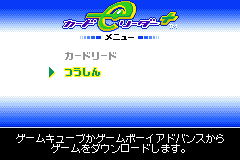
If you have a Japanese e-Reader+, choose the second option on the first menu, then the second option on the next menu. You will know you did it right if you see a picture of a GBA and an e-Reader. If you see a GameCube, you've made a wrong turn.
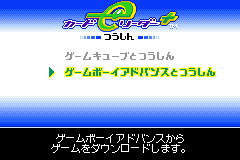
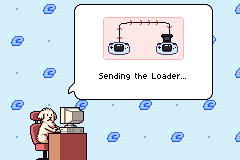
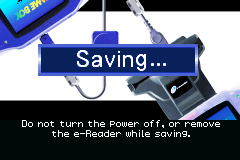
Pixel Pup will send the loader program over to the e-Reader. This will take about 5 seconds. When it is ready, the e-Reader app will launch.
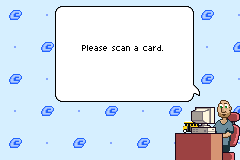
Scan a card
Now scan a card to unlock a puzzle.
Six of the locked puzzles are unlocked by scanning in a Series One card. The seventh puzzle is unlocked by scanning in any other e-Reader card (NES, Pokemon, Animal Crossing, anything).
The region of the card, US, Japanese, or E-on-J, doesn't matter. They will all work. The strip on the card you scan doesn't matter, and in the case of two card games like Exo Attack, either card will work.
Launching the loader immediately
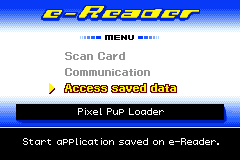
After Pixel Pup has sent the e-Reader the loader app, it will get saved on your e-Reader. The next time you do this, you can skip the "Communication" part and launch the loader app immediately.
Doing this in mGBA
You need at least version 0.11 of mGBA. As of this writing, 0.10 is still the main version. If needed, you can get 0.11 from mGBA's development downloads.
mGBA supports scanning in e-Reader cards. It's mostly the same process, with a couple of tweaks. Please read the instructions above first, as most of it is still relevant.
Step 1: Launch a multiplayer window
Fire up mGBA as you normally would, and load the Pixel Pup rom. Then go to the file menu and choose "New Multiplayer window". A second mGBA window will open. In this second window, load the e-Reader rom. You will need to obtain a copy of the e-Reader rom on your own, as it is Nintendo property.
Step 2: Send the loader over
Now send the loader across just like you would on a real GBA (see instructions above).
Step 3: Scan a card while the loader is being sent
While the loader is still being sent, go to the file menu and choose "Scan e-Reader dotcodes...". It will open up a file dialog, and you need to choose a digital e-Reader card. You can get a digital version of Solitaire here, and a digital version of Bomb Hunter here. For both games, download a file that has a .raw extension, it doesn't matter which one. Choose this raw file in the file dialog.
Wait a few seconds and the card will get scanned in automatically.
If your e-Reader rom already has the Pixel Pup Loader saved (see "Launching the loader immediately" above), you can launch it immediately just like on a real GBA. But before you do, go into the file menu and choose an e-Reader card to scan. In general, it is better to tell mGBA about the e-Reader card before the game asks for it.